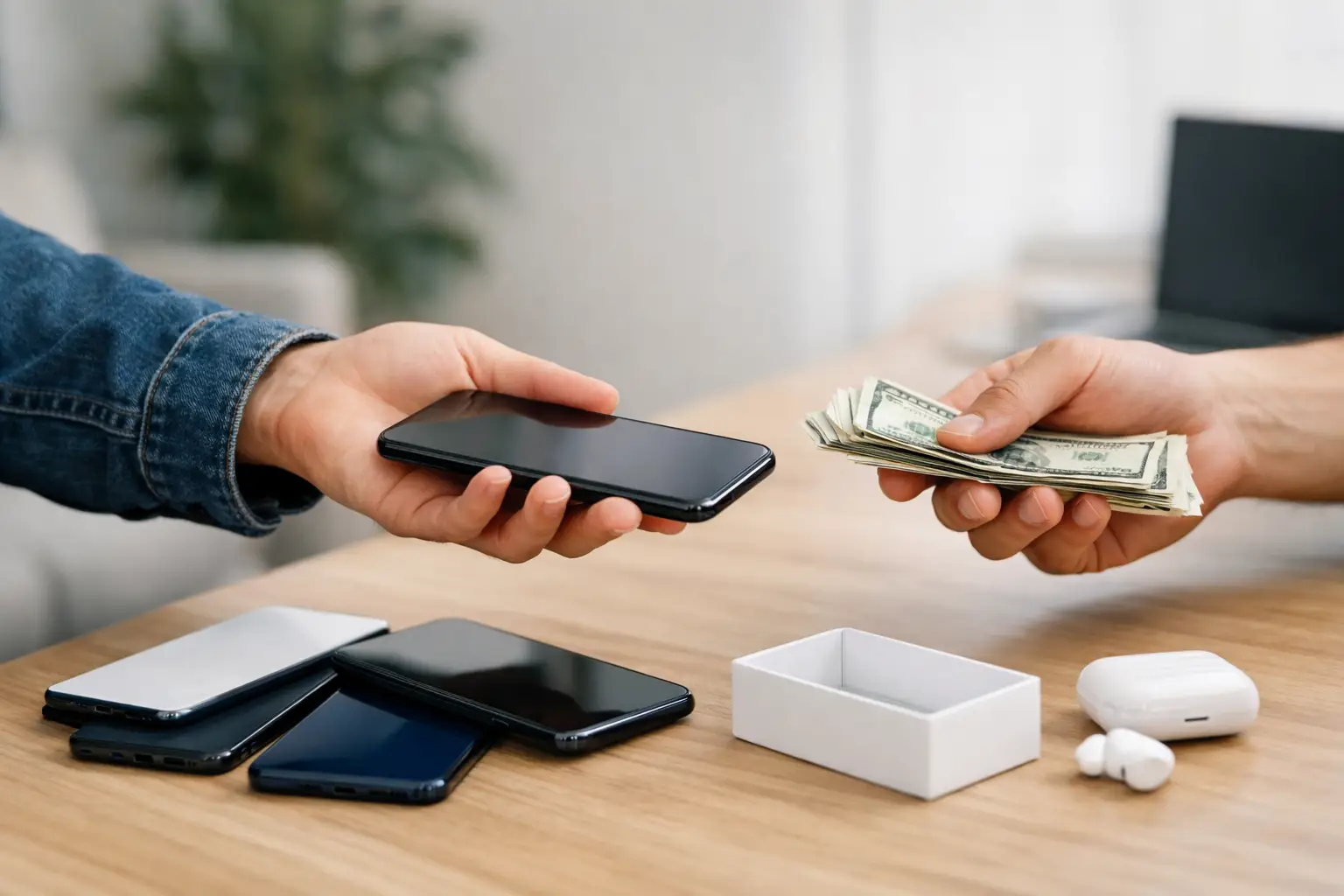
That old phone in your drawer is losing value every month. A good guide to selling cell phones starts with one simple fact: speed matters, but so does trust. If you want a fast sale without giving the device away, you need a clean listing, a realistic price, and a safe plan for meeting or shipping.
Most sellers make the same mistakes. They guess at the price, post one blurry photo, and write a two-line description that leaves buyers asking basic questions. That slows everything down. A better approach is to handle the prep first, then build a listing that answers what buyers care about before they even message you.
Guide to selling cell phones: start with the phone itself
Before you post anything, check the phone’s exact model, storage size, carrier status, and condition. “iPhone 13” is not enough. Buyers want to know whether it is 128GB or 256GB, whether it is unlocked, and whether Face ID, cameras, speakers, and charging all work properly. On Android devices, they also want the exact model number because versions can vary by carrier and region.
Condition matters, but accuracy matters more. A phone with light wear can still sell well if the ad is honest. A phone described as “like new” that arrives with battery issues or screen burn will create problems fast. Be clear about scratches, cracks, repairs, replaced parts, and battery health if that information is available.
This is also the time to gather what comes with the device. Original box, charger, cable, case, and receipt can help your ad stand out, but only if they are actually included. If you are selling the phone alone, say that plainly.
Protect your data before you sell
A listing can wait ten minutes. Your personal data should not.
Back up the phone, sign out of your accounts, and remove security locks before the sale. On iPhones, that means turning off Find My and signing out of iCloud. On Android, remove your Google account and disable any device protection tied to it. Then perform a factory reset.
If you skip this step, the buyer may end up with an activation-locked device they cannot use. That usually leads to canceled deals, complaints, and wasted time. Also remove the SIM card and any memory card before taking photos or meeting the buyer.
If the phone still has a payment balance or is blacklisted, say so. Some buyers will still consider it for parts, but hiding that information will kill trust.
Price it to sell, not to sit
The fastest way to lose momentum is to overprice a used phone based on what you paid for it. Buyers compare your listing against many others in seconds. They are looking at condition, storage, carrier compatibility, age, and included accessories, not your original receipt total.
Search similar listings and compare phones with the same model, storage, and condition. If yours is unlocked and in very good shape, you can usually price above locked or heavily worn devices. If the screen has cracks, the battery is weak, or the phone is an older model, expect more price pressure.
A smart pricing strategy depends on your goal. If you want the highest possible return, price slightly above your minimum and leave room for negotiation. If you want a quick sale, set a fair price from the start and make that clear in the ad. “Priced to sell” only works when the number supports it.
It also helps to decide in advance whether your price is firm. If it is, say so. If it is negotiable, expect low offers and plan your response before messages start coming in.
Photos make or break the listing
Buyers do not just want proof the phone exists. They want proof of condition.
Take photos in good natural light against a plain background. Show the front, back, sides, corners, ports, and camera lenses. Turn the screen on for at least one photo so buyers can see that it works. If there are scratches or damage, photograph those clearly. Hiding flaws in photos only creates more questions later.
Keep the setup simple. A clean table and steady lighting are enough. Avoid heavy filters, dark rooms, cluttered backgrounds, and group shots with other electronics. If accessories are included, place them in one photo together so buyers can quickly see what comes with the phone.
Write a listing that answers buyer questions
A strong classified ad is practical. It should help buyers decide quickly whether to contact you.
What to include in your cell phone listing
Start with the basics: brand, model, storage, carrier or unlocked status, condition, battery details if known, and included accessories. Then add anything that reduces uncertainty, such as whether the phone has been factory reset, whether all functions work, and whether there are any repairs in its history.
Good descriptions are specific without being long-winded. A buyer should be able to scan your ad and know exactly what is for sale. For example, “Samsung Galaxy S22 128GB, unlocked, fully functional, minor wear on frame, clean screen, factory reset, includes charging cable” is much stronger than “Nice phone works great.”
Your title matters too. Put the most important facts up front. Model, storage, and condition usually deserve the first few words because they match how buyers search.
A better way to describe condition
Condition is where many listings get vague. Terms like “good” and “great” are useful only if you support them with details. Mention screen condition, body wear, battery performance, and whether any parts were replaced. If the phone was always in a case, that can help. If the battery drains quickly, say so.
Honest detail saves time because the right buyers contact you first.
Where your ad gets more traction
The best marketplace for a used phone is the one that makes it easy to post, browse, and respond. Classified platforms work well because buyers are already comparing local and general listings by category, and sellers can post without much setup. If you are using a marketplace like Advertigo, clear category placement and a complete ad can help your phone get found faster.
Visibility still depends on execution. Even on a free posting platform, the listings that get attention tend to have sharper titles, better photos, realistic prices, and faster replies.
Handle buyer messages without wasting time
Once the ad is live, speed matters again. Good buyers often contact several sellers at once. If you take half a day to answer basic questions, they may move on.
Reply clearly and keep everything tied to the listing details. If someone asks whether the phone is unlocked, answer directly. If they ask for the lowest price immediately, you do not need a long negotiation. A short response works better: the price is firm, or you are open to reasonable offers.
Watch for red flags. Buyers who avoid basic details, push for unusual payment methods, or ask you to ship before payment clears are usually not worth the trouble. The easiest deals are usually the simplest ones.
Meeting locally or shipping safely
If you are selling locally, choose a public place and keep the transaction straightforward. Daytime meetings are better. Let the buyer inspect the phone, confirm it powers on, and verify the model and condition. Cash is common for local deals, though some sellers prefer instant digital payment methods. If you use digital payment, make sure the payment is actually received before handing over the phone.
If you are shipping, pack the phone securely and document the device condition before sending it. Use tracked shipping and confirm the buyer’s full address. Shipping can widen your pool of buyers, but it also adds more room for disputes, so your description and photos need to be especially accurate.
Why some phones sell fast and others sit
Two listings can feature the same phone and get very different results. Usually the difference comes down to clarity and confidence. Buyers move toward listings that look complete and low-risk. They hesitate when the ad feels vague, overpriced, or incomplete.
That means a fast sale is not only about lowering the price. Sometimes cleaning the phone, rewriting the title, adding six better photos, and stating the carrier status clearly will do more than a discount. On the other hand, if your phone has been listed for a while with little interest, the market may be telling you the price needs to change.
A practical checklist before you post
Before publishing your ad, make sure the phone is backed up and reset, the model details are correct, the condition is described honestly, and the photos show the device clearly from all sides. Confirm your price, decide whether it is firm, and be ready to respond once messages arrive.
Selling a cell phone does not need to be complicated. The sellers who get results are usually the ones who make the buying decision easy. Give people the facts, keep the process clean, and your next sale will move a lot faster than the last one.