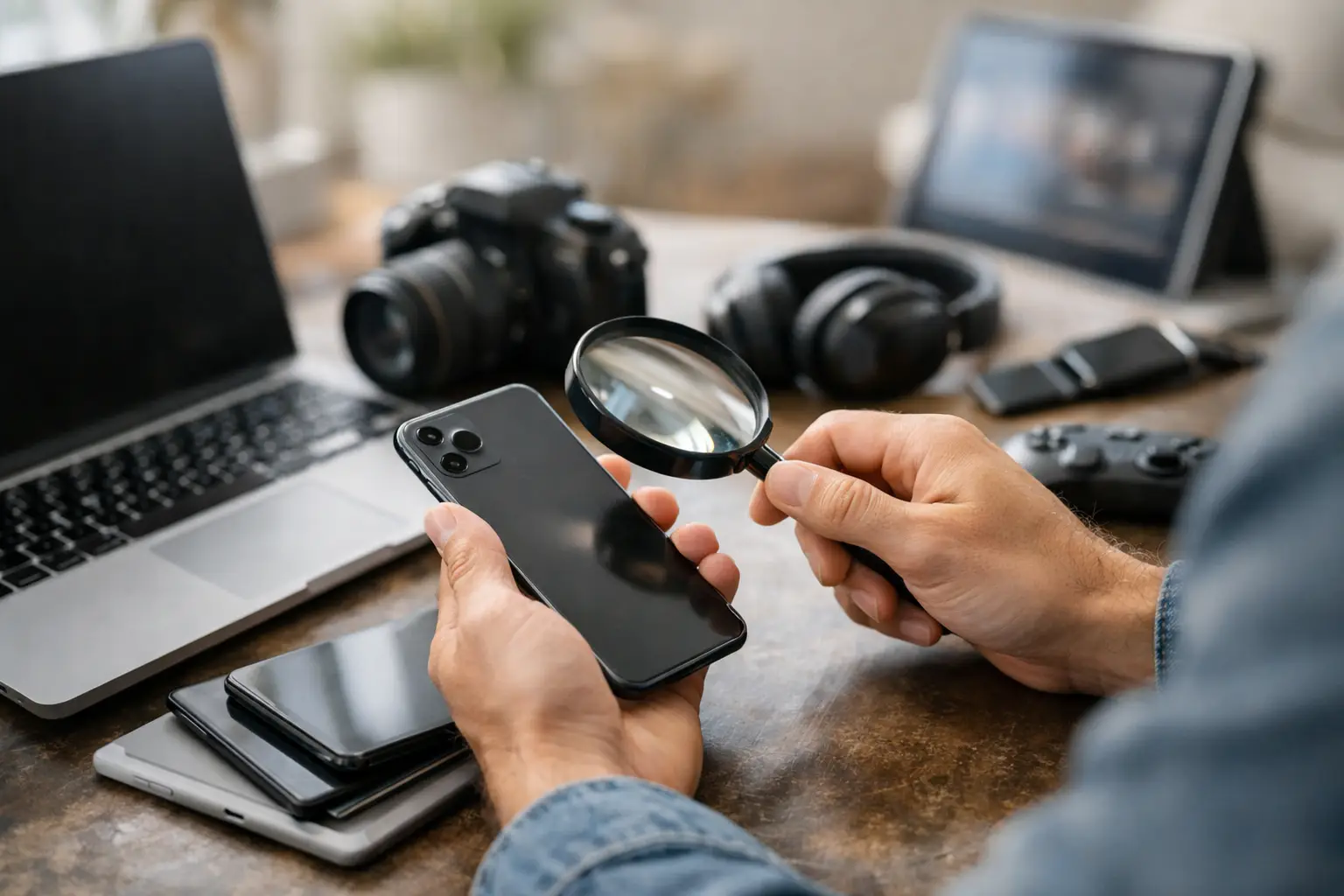
A used phone priced far below market value can feel like a win - right up until it arrives locked, damaged, or not quite what the listing promised. If you want to buy secondhand electronics safely, the goal is not just finding a lower price. It is making sure the device works, the seller is real, and the deal still looks good after you factor in risk.
Secondhand electronics can be a smart buy. Phones, laptops, tablets, gaming consoles, headphones, cameras, and smart home devices often hold plenty of usable life after the first owner is done with them. But electronics are different from furniture or clothing. Problems are not always visible in a photo, and a fast deal can turn expensive if you skip a few basic checks.
What it takes to buy secondhand electronics safely
A safe purchase usually comes down to four things: the listing, the seller, the device, and the handoff. If one of those feels off, slow down. Good deals still exist, but the best buyers do not rush just because a seller says there are five other people interested.
Start with the listing itself. A strong listing usually gives you specifics: exact model, storage size, condition details, included accessories, battery information if relevant, and clear photos of the actual item. Vague descriptions like "works great" or "like new" are not enough on their own. You want evidence, not just confidence.
Price matters too, but not in the way many buyers assume. A lower price is not automatically suspicious if the seller explains it well. Maybe they upgraded, need quick cash, or want local pickup only. Still, if the price is dramatically below what similar items are selling for, ask why. The deeper the discount, the more carefully you should verify everything else.
Check the seller before you check out the device
When buying through classifieds, you are evaluating a person as much as a product. A legitimate seller should be able to answer simple questions clearly and without dodging. Ask how long they have owned the device, whether they are the original owner, whether anything has been repaired, and why they are selling it.
You are not looking for a perfect script. You are looking for consistency. If the seller changes details, avoids direct questions, or pressures you to pay before you have enough information, move on. A practical buyer protects their time as well as their money.
Photos can tell you a lot. Look for multiple angles, close-ups of ports and edges, and a powered-on screen when possible. If a listing uses stock photos only, ask for current photos with the device turned on. For phones and tablets, a photo of the settings screen showing model and storage can help confirm what is actually being sold.
If you are browsing a marketplace such as Advertigo, treat good communication as part of the product. Fast, clear replies and a realistic description are usually better signs than heavy sales language.
How to verify the device is what the listing says
This is where many buyers either save money or create a headache for themselves. Electronics often look similar across versions, but small model differences affect value, compatibility, and resale potential.
For phones, confirm the exact model number, carrier status, storage capacity, battery health if available, and whether the phone is fully paid off and reset. Ask if Find My iPhone or any Android device lock has been removed. A phone that is still tied to the previous owner’s account can become useless to you.
For laptops, confirm the processor, RAM, storage type and size, screen condition, charger inclusion, and battery performance. A laptop can turn on and still be a bad buy if the battery barely holds a charge or the storage is much smaller than advertised.
For gaming consoles, check whether controllers, cables, and account access issues are all resolved. For cameras, ask about shutter count, lens condition, sensor issues, and included batteries or chargers. For headphones and wearables, ask about battery life and hygiene-related wear. In some categories, a used item is still a great value. In others, a weak battery can erase the savings quickly.
Meet smart and test before paying
If the transaction is local, the meetup matters. Choose a public location with people around. Some buyers prefer police department exchange zones or well-lit retail parking lots. Daytime is better than late evening, especially for higher-value items.
Bring what you need to test the device. That might mean headphones for checking an audio jack, a charging cable, a power bank, a game disc, a SIM card, or access to Wi-Fi. A seller who objects to basic testing is giving you useful information.
Turn the device on and spend a few minutes checking the obvious and not-so-obvious. On a phone, test the screen, cameras, speakers, charging port, buttons, Wi-Fi, Bluetooth, face or fingerprint unlock, and battery settings. On a laptop, check keyboard keys, trackpad, ports, speakers, webcam, and system information. If the device was listed as factory reset, make sure it is not still asking for the prior owner’s credentials.
Do not let the seller rush the test. A quick glance is not enough for electronics. Even two or three extra minutes can reveal cracked hinges, dead pixels, account locks, swollen batteries, or charging issues.
Payment choices affect safety too
The safest payment method depends on the situation, but the rule is simple: use a method that matches your level of trust and the level of proof you have. Cash is common for local deals, but it offers little recourse after the fact. Digital payment can be convenient, but some apps are designed more like cash transfers than protected purchases.
If you are meeting in person and the item checks out, cash can still work for lower-risk transactions. For higher-priced electronics, many buyers prefer a payment trail. Whatever method you use, avoid sending money in advance just to "hold" an item unless you fully trust the seller and understand the risk.
It also helps to document the deal. Save the listing, the messages, and any agreement about condition or included accessories. If the seller can provide a receipt or proof of purchase, that is even better, especially for newer electronics still under warranty.
Red flags that should stop the deal
Some warnings are obvious. Others are easier to talk yourself into ignoring because the price looks good. That is where problems usually start.
Be cautious if the seller refuses to share basic details, insists on shipping after listing the item as local, asks for unusual payment methods, or claims they cannot show the device powered on. The same goes for listings with only promotional images, copied descriptions, or generic answers pasted into every message.
Watch for account and activation issues. A modern phone, tablet, or laptop tied to someone else’s account can be more trouble than it is worth. Also be careful with electronics that were repaired informally. A screen replacement or battery swap is not always a deal breaker, but poor-quality repair work changes the value and the risk.
There is also a practical red flag many buyers miss: missing accessories that should normally come with the item. A missing charger is not just an inconvenience. It may prevent you from testing the device properly or add replacement cost right away.
When a low price is actually worth it
Not every imperfect listing should be avoided. Sometimes a used device is priced lower because the seller is honest about cosmetic wear, older battery life, or a missing box. If the core functions are solid and the discount reflects those issues, the deal can still make sense.
This is where secondhand buying becomes a value decision, not just a hunt for the cheapest option. A laptop with a few scratches but strong specs may be a better purchase than a cleaner one with a weak battery and unclear history. A phone with minor cosmetic wear and clean activation status may be a smarter buy than a "mint" phone with vague details.
The key is to compare the real total cost. If you need a new charger, battery replacement, case, or unlocked service, add that to the price before deciding whether the listing is still competitive.
Buy slower, save smarter
The best way to buy secondhand electronics safely is to stay practical when the price gets tempting. Ask direct questions, verify model details, test the item, and choose a meetup and payment method that fit the value of the deal. If the seller is legitimate, those steps should not be a problem.
A secondhand device should save you money without creating a second round of expenses a week later. When you treat the listing like a real transaction instead of a quick bargain grab, you give yourself a much better shot at finding electronics that are affordable, usable, and worth bringing home.